Package · #7610979
Scriptlab Bridge
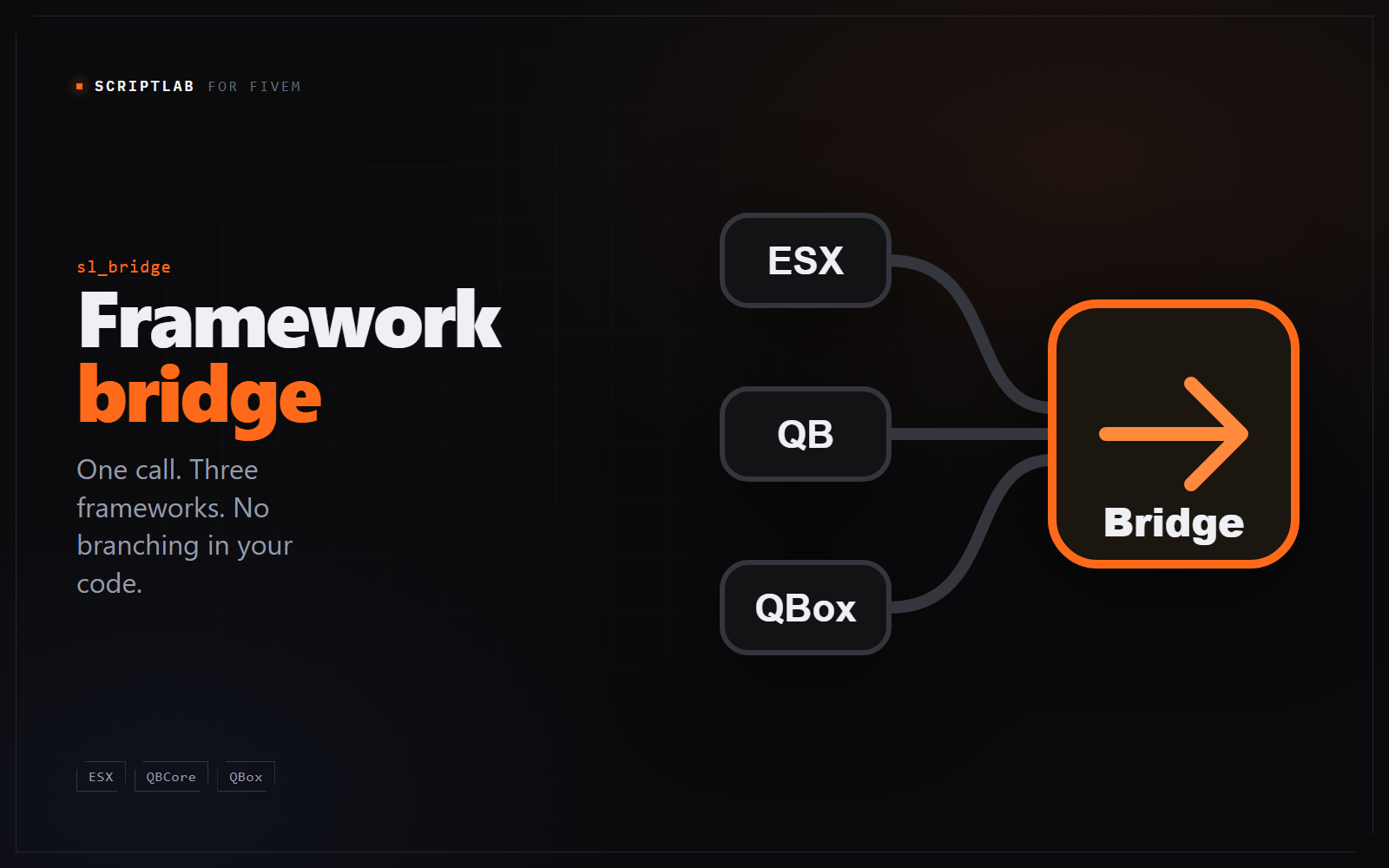
The layer that lets one build of a script run on ESX Legacy, QBCore and QBox. Your framework is detected at start-up, and everything above it - players, money, jobs, inventory, vehicles - speaks one vocabulary. Free, and already included in every ScriptLab purchase.
ESX Legacy QBCore QBox
You may already have this. sl_bridge ships inside every ScriptLab script, and the copy you have is the one you need. This listing exists so it can be downloaded and updated on its own - there is nothing to buy.
What it does
Detected, not configured
It looks for qbx_core, then qb-core, then es_extended, in that order - QBox ships a QBCore compatibility layer, so both answer and the more specific one has to win.
It refuses to start on a guess
Find no framework and it stops there, naming the three resources it looked for and the convar that forces one. A bridge that started anyway would fail later, somewhere far less obvious.
One vocabulary for money and jobs
Scripts ask for cash, bank or black and get the right account on either framework. The same for jobs, grades, and who counts as a boss.
Inventories too
ox_inventory, the framework's own, or sl_inventory when it is running - picked in that order, behind one set of calls. Adding an item is the same line whichever is installed.
One file to fit a renamed server
Renamed your dirty money account, or your boss grades? modules/config.lua is the single place that mapping lives, and it stays readable after purchase.
Worth knowing
- No database tables, no SQL, nothing to import.
- No commands and no exports: it is loaded into your resource as source.
- Required by every ScriptLab script, and included with all of them.
You will sign in before payment so the licence lands on the right account.